
Linger
Your private diary, stored in your own Google Drive.
Open app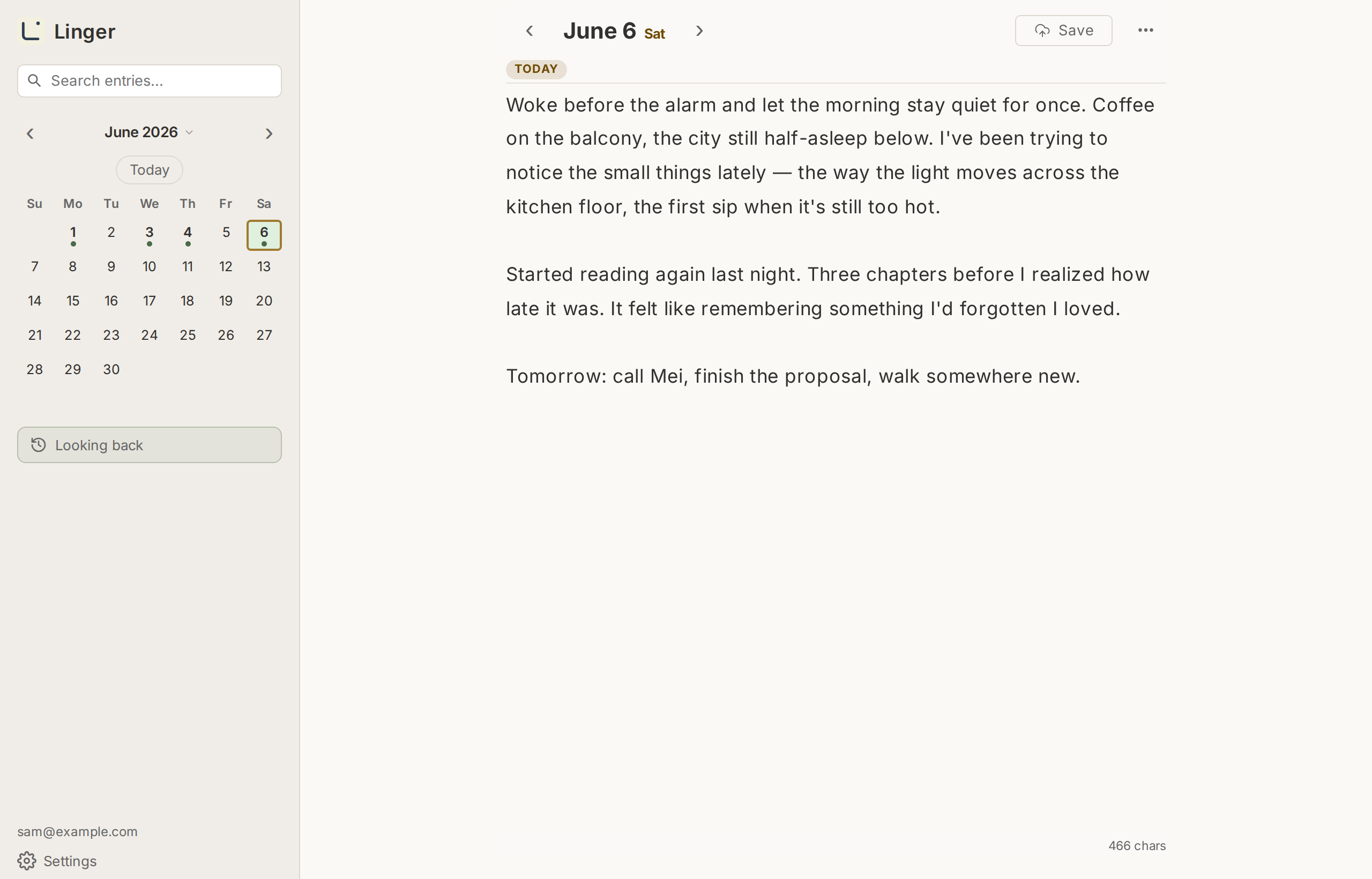
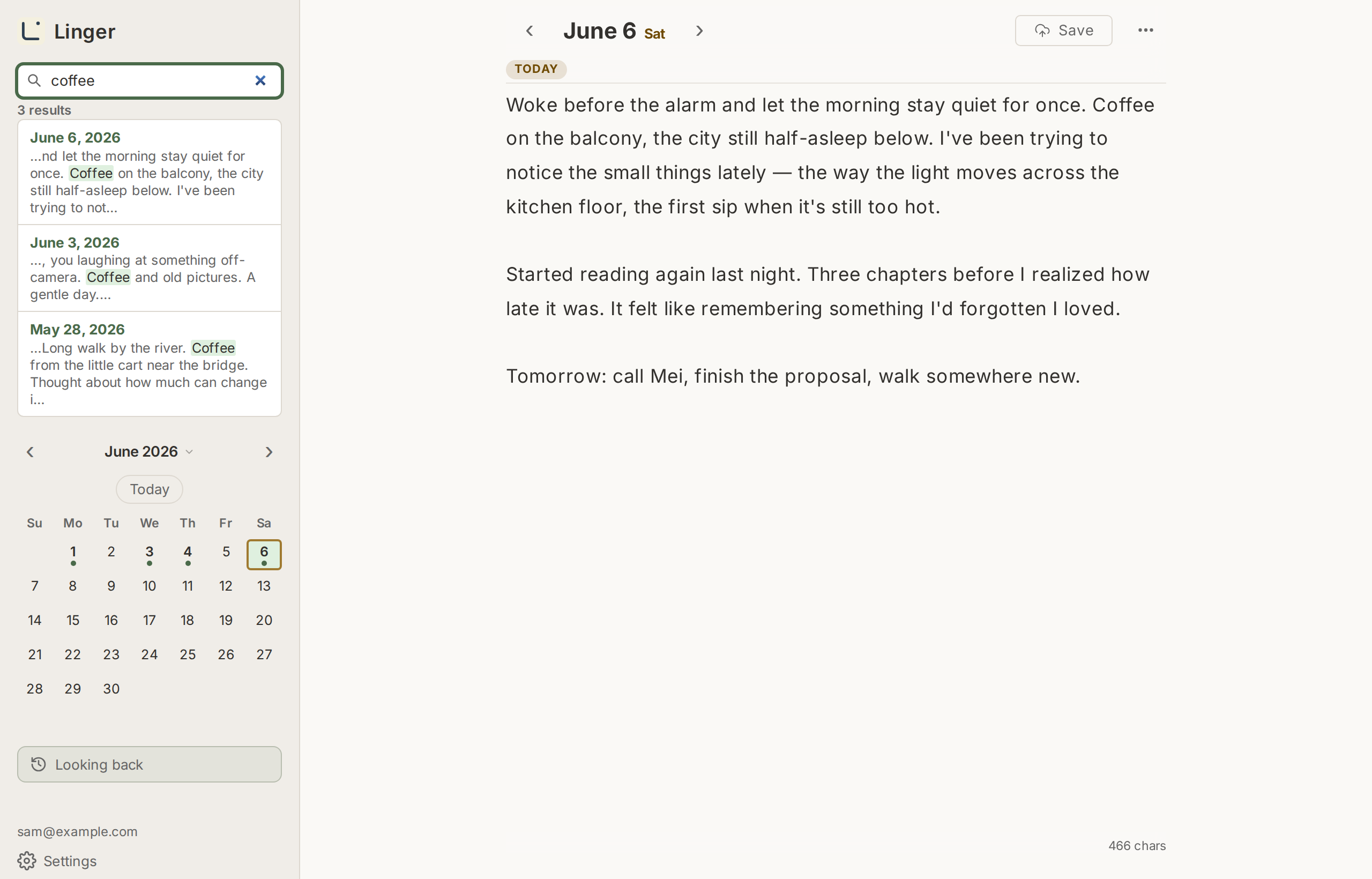
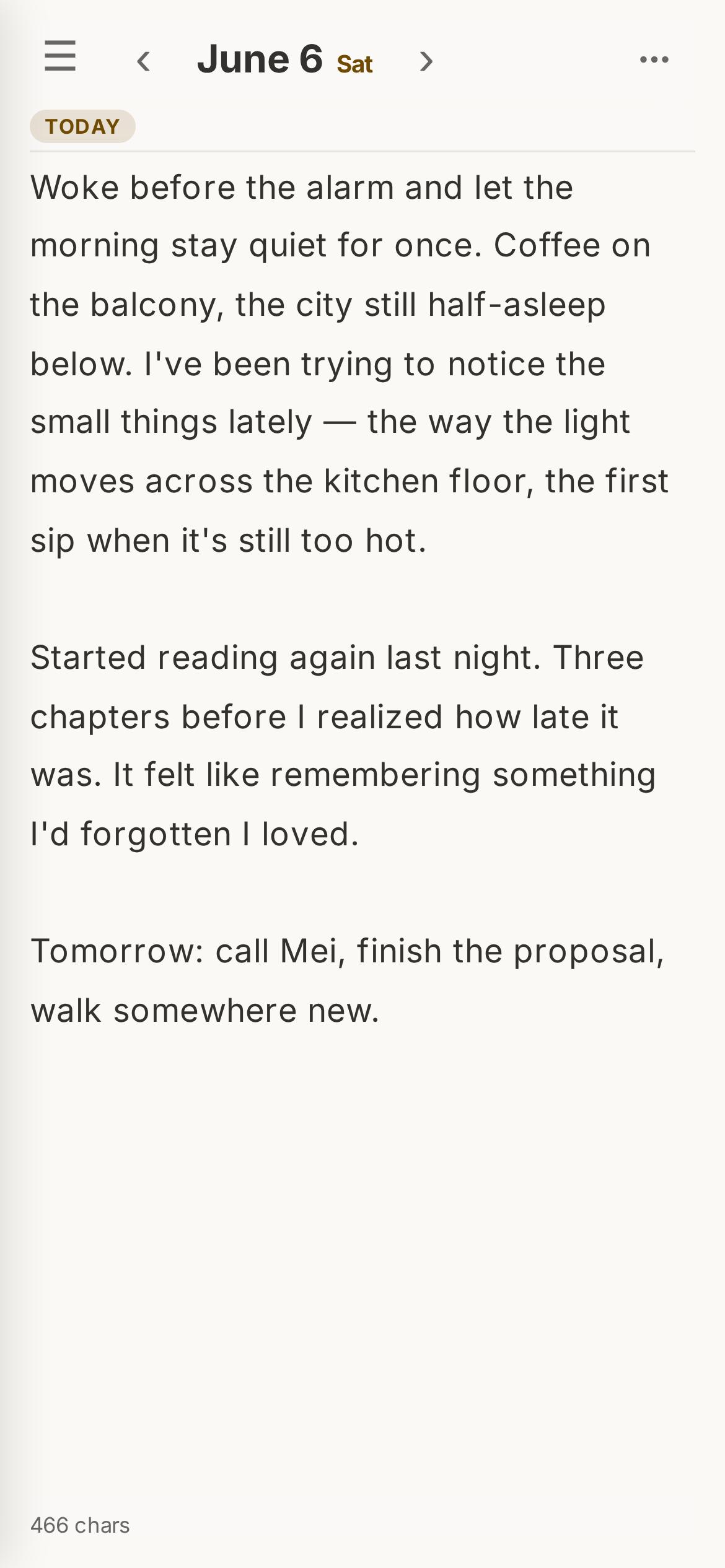
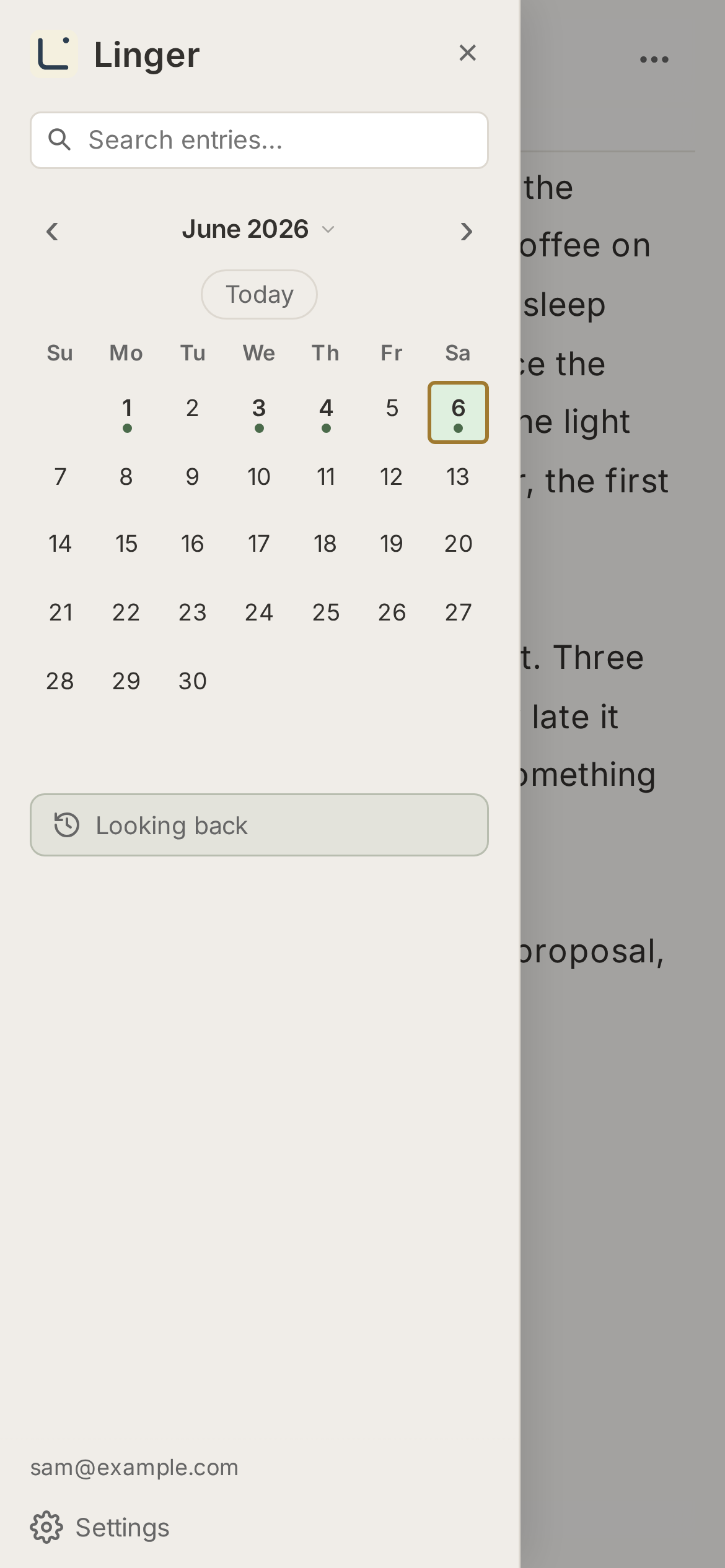
Works just as well on your phone.
Linger is a personal diary web app. Write daily entries and access them from any device. Your entries are saved as individual plain-text files inside your own Google Drive account — you retain full ownership and control of your data at all times.
To store and retrieve your diary files, Linger requests the
Google Drive drive.file OAuth scope, along with the
standard openid and email scopes used only to identify your
account at sign-in. The drive.file scope grants access
exclusively to files that Linger itself creates — it cannot read,
modify, or delete any other files in your Google Drive. Linger does not use these
permissions for any purpose other than signing you in and reading and writing your
diary entries on your behalf.
Linger signs in with your Google account and requests three OAuth scopes:
drive.file (to read and write diary entries in your Drive),
openid, and email (to identify your account at sign-in).
The drive.file scope grants access
only to files this app created — it cannot read, modify, or delete
any other files in your Google Drive.
Diary entries reside entirely in your own Google Drive folder (linger_diary/).
No diary content is stored on Linger's servers. OAuth tokens are handled server-side and
are never exposed to the browser.
For full details, see the Privacy Policy.
You don't have to take our word for it. Here are four concrete steps you can take to verify that Linger cannot read, copy, or transmit your diary entries anywhere other than your own Google Drive.
linger.europeanplaice.com.
The Content-Security-Policy header restricts all network connections to
'self', googleapis.com, and accounts.google.com only —
meaning the browser is physically prevented from sending your data anywhere else, even if
someone injected malicious code into the page.
drive.file). This scope cannot access any other files in your Drive.
You can also revoke access from this page at any time.
/api/drive/… (the Cloudflare proxy on this domain) or
accounts.google.com (OAuth). No requests are made to any third-party server.
functions/ shows exactly what happens with your OAuth
token and diary content. You can also self-host using your own Google Cloud and Cloudflare
accounts — see the README for instructions.